
Hot Topics:
Table Of Contents
- Key Criteria for Beginner-Friendly Hosting
- 1. Hostinger – Best Value for Tight Budgets
- 2. Bluehost – The Official WordPress Recommendation
- 3. Cloudways – Best for Scalability and Flexible Billing
- 4. WP Engine – The Managed Hosting Powerhouse
- 5. Pressable – Reliability and Scalability
- 6. Elementor Hosting – The Unified Design & Hosting Solution
- 7. DreamHost – Best for Long-Term Privacy
- The Landscape of WordPress Hosting in 2026
- Why Your Choice of Hosting Matters for SEO and User Experience
- Technical Essentials: SSL, CDN, and Caching Explained
- Common Mistakes Beginners Make When Choosing a Host
- How to Migrate Your Site to a New Host (The Easy Way)
Comparing the Top 7: A Summary Table
To help you make a quick decision, here is how the top providers stack up against each other:
| Provider | Best For | Starting Price (Approx.) | Support Type | Key Highlight |
|---|---|---|---|---|
| Hostinger | Tight Budgets | USD 2.99/mo | 24/7 Chat | NVMe Storage speeds |
| Bluehost | Absolute Beginners | USD 2.95/mo | 24/7 Chat/Phone | WonderSuite Onboarding |
| Cloudways | Scaling Traffic | USD 11.00/mo | 24/7 Chat | Pay-as-you-go Cloud |
| WP Engine | Hands-off Management | USD 25.00/mo | 24/7 Expert Chat | Premium Security/Themes |
| Pressable | E-commerce/Reliability | USD 19.00/mo | 24/7 Chat | 100% Uptime Guarantee |
| Elementor | Visual Designers | USD 9.99/mo | 24/7 Support | Unified builder & host |
| DreamHost | Privacy & Trial | USD 2.59/mo | 24/7 Chat/Email | 97-day money-back |
Key Criteria for Beginner-Friendly Hosting
When you’re just starting out with hosting, don’t get bogged down by all the technical terms. Instead, focus on these three main things.
First up, how easy is it to use? You want a host that makes installing WordPress a breeze, maybe with a one-click option. The dashboard should be straightforward, not something that looks like it belongs in the 90s. Basically, you should be able to get a website up and running in less than 15 minutes.
Then there’s having expert support that’s actually available. If your site crashes at 3 AM, you need someone real to help you fix it right away, probably through live chat. An automated email system just won’t cut it in those situations.
Lastly, make sure the pricing is clear. Lots of hosts lure you in with cheap initial offers. Always look closely at what you’ll be paying after that first year, because those renewal rates can be a surprise.
1. Hostinger – Best Value for Tight Budgets
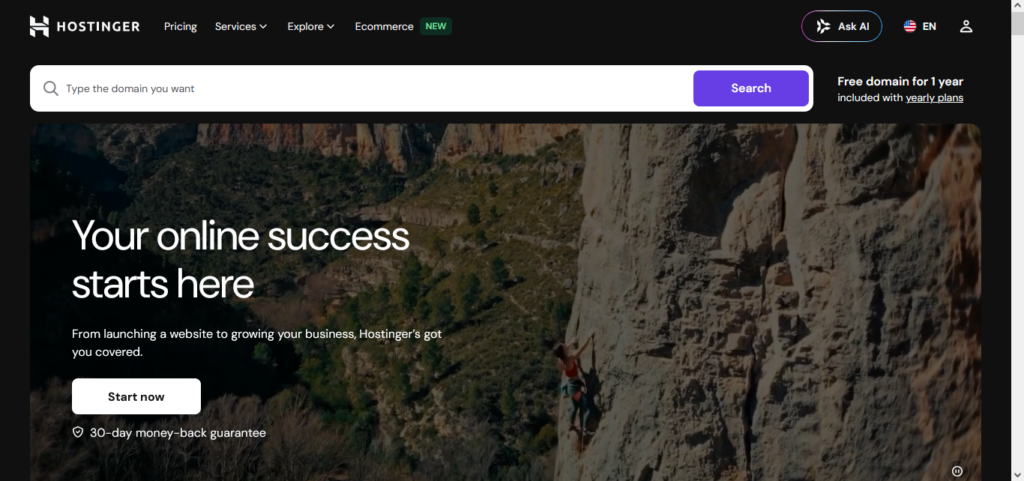
If you want the absolute cheapest way in without giving up important speed, Hostinger wins, hands down. They put a lot into NVMe storage back in 2026. It’s way faster than the usual SSDs, which makes even their cheapest plans feel pretty zippy.
Plus forget that complicated old cPanel. Hostinger made their own thing, hPanel. It’s really visual, looks modern, and is super simple for newbies to figure out when they’re setting up emails, domains, or backups.
- Starting Price: ~USD 2.99/month
- Best Feature: Unbeatable price-to-performance ratio.
2. Bluehost – The Official WordPress Recommendation
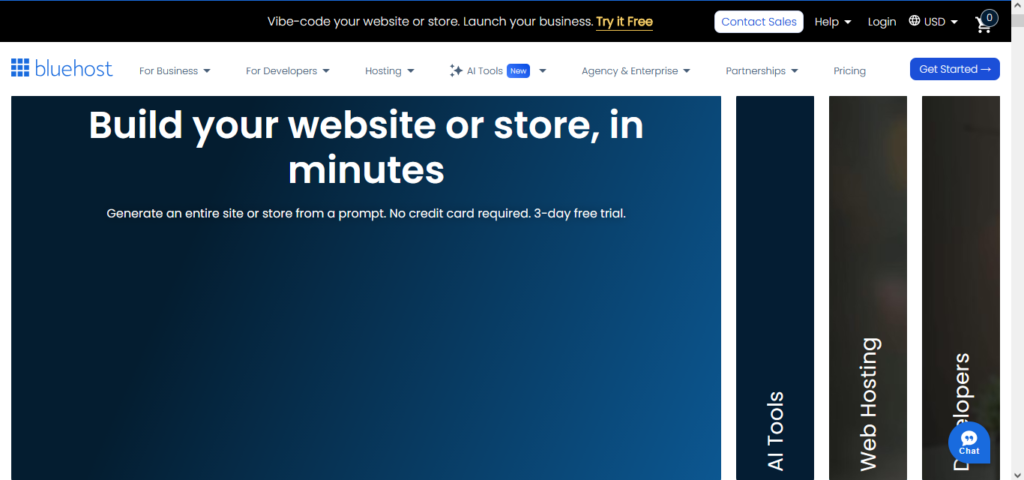
Bluehost is in a pretty unique spot because WordPress.org officially recommends them, and they’re one of only a handful of hosts that can say that. They’ve really worked on making it super easy for people just starting out to get going with their site. Their setup wizard, called WonderSuite, asks you some basic questions about what you want your site to do, and then it just installs all the right plugins and themes for you.
If you’re completely new to this and the whole idea of building a website feels a bit daunting, Bluehost is there to guide you every step of the way, from when you buy it to when you actually launch your site. Plus, they throw in a free domain name and a free SSL certificate for the first year, which definitely makes it easier to get started without a huge upfront cost.
- Starting Price: ~USD 2.95/month
- Best Feature: Guided, foolproof onboarding wizard.
3. Cloudways – Best for Scalability and Flexible Billing
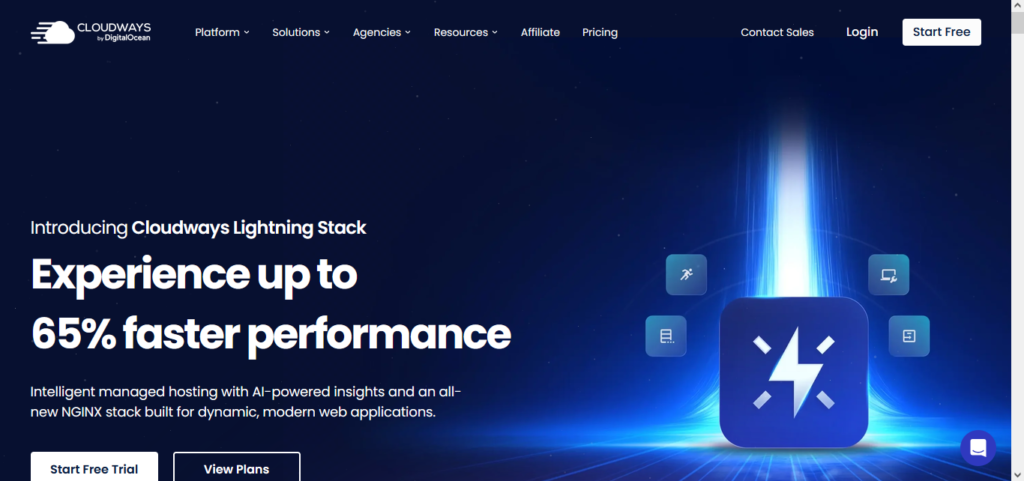
Cloudways is a nice middle ground, you know? It sits right between the basic shared hosting most people start with and those really complicated cloud setups. Instead of you having to manage your own servers, Cloudways basically puts a simple, easy-to-use layer on top of big cloud providers like DigitalOcean, AWS, or Google Cloud. So, you get all the power of a dedicated cloud setup without needing to be a server wizard.
Their pricing, especially now in 2026, is pretty cool too. It’s a Pay-As-You-Go thing. You pay for exactly what you use, by the hour or month, instead of getting stuck in some long, inflexible contract. This is great if you’re just starting out, your traffic might jump around a lot, or you know you’ll be growing fast.
- Starting Price: ~USD 11.00/month
- Best Feature: Hourly billing and dedicated cloud resources.
4. WP Engine – The Managed Hosting Powerhouse
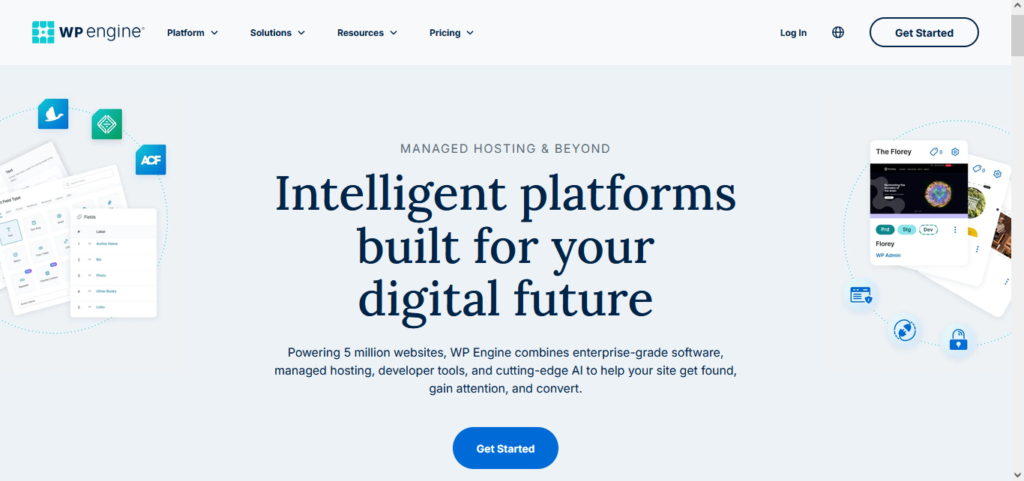
WP Engine really is the top-tier choice if you’re looking for a managed WordPress host. Basically, you pay them, and their team takes care of all the tricky tech stuff. This includes things like automatic WordPress core updates, blocking threats before they become a problem, and daily automatic backups. It’s as close to a set it and forget it situation as you can get.
Sure, they cost more than basic shared hosting, but you get a lot for your money. They throw in the premium Genesis Framework and a bunch of StudioPress themes at no extra charge. This kind of setup works really well for new businesses or e-commerce sites that have a bit of a budget and absolutely cannot afford any technical issues disrupting their operations.
- Starting Price: ~USD 25.00/month
- Best Feature: Enterprise-grade security and free premium themes.
5. Pressable – Reliability and Scalability
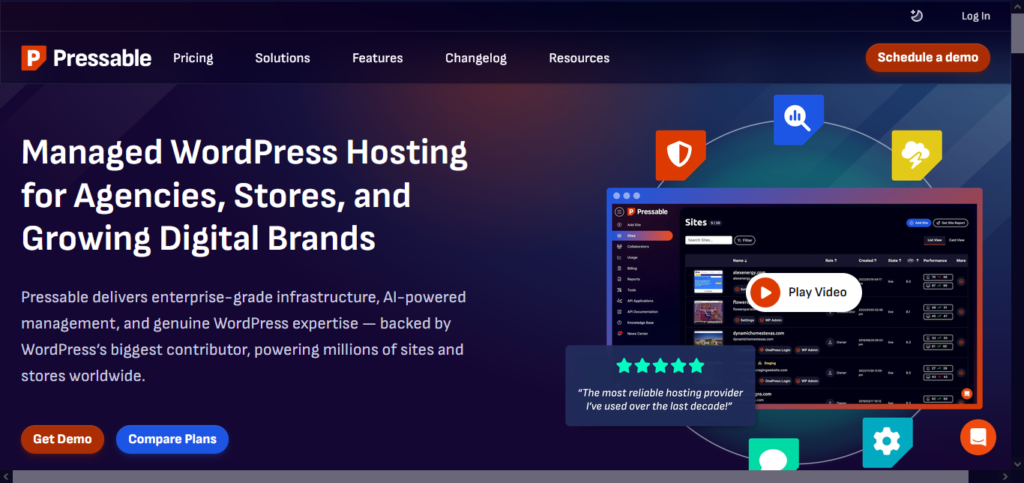
Pressable comes from Automattic, the folks who also brought us WordPress.com and WooCommerce. So, they really know their stuff when it comes to WordPress. Their servers are actually built and tuned just for WordPress sites, nothing else.
What really sets them apart, I think, is their promise of 100% uptime. That’s pretty uncommon. If you’re just starting out but planning for your site to get a lot of visitors, or maybe you’re setting up a busy online shop, Pressable’s setup is designed to handle the load without falling apart.
- Starting Price: ~USD 19.00/month
- Best Feature: 100% uptime guarantee and Automattic backing.
6. Elementor Hosting – The Unified Design & Hosting Solution
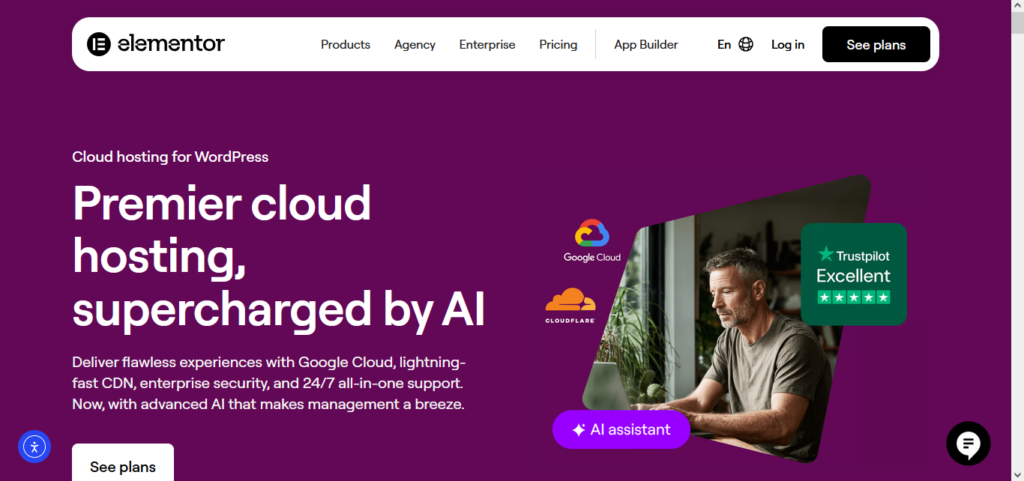
If you’re just starting out and you know you want to use a drag-and-drop builder, Elementor Hosting really hits the sweet spot. You get solid hosting from Google Cloud, and they’ve already installed and licensed the premium Elementor Pro page builder for you.
It’s a neat package because you don’t have to juggle buying hosting from one place, a domain from another, and then the page builder from a third. Everything’s tied together, which makes the whole process a lot smoother. This is especially good if you’re someone who learns best by seeing and doing, or if you’re new to web design.
- Starting Price: ~USD 9.99/month
- Best Feature: All-in-one hosting and premium page builder.
7. DreamHost – Best for Long-Term Privacy
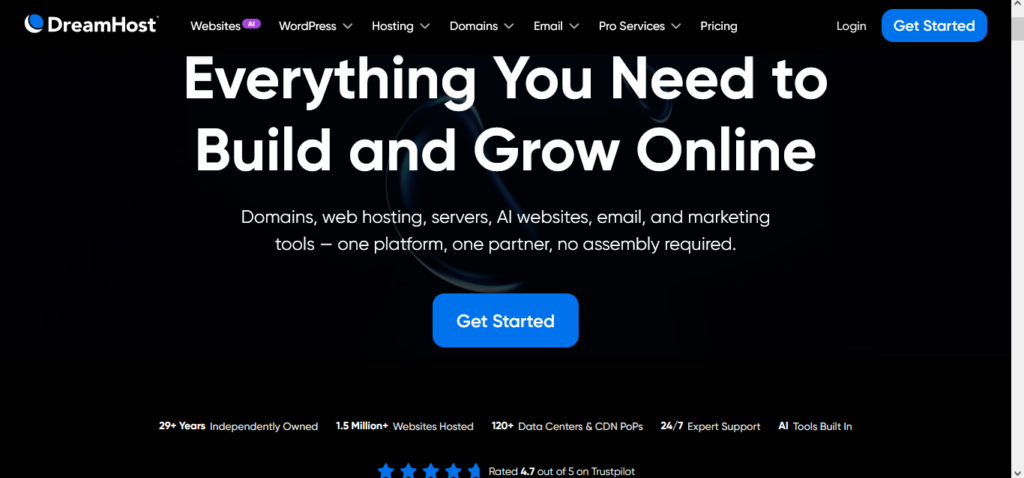
DreamHost really does stand out. For starters, they’re fiercely independent and upfront about things, which I appreciate. Plus, they actually care about user privacy. A lot of hosts nickel-and-dime you for Whois Privacy, you know, that thing that keeps your personal info off public spam lists? Not DreamHost. They throw it in for free, always.
And get this, their money-back guarantee is a whopping 97 days. That’s the longest I’ve seen in the hosting world. It’s pretty great for anyone just starting out, giving you plenty of time to really poke around and see if it’s right for you, all without any risk for over three months.
- Starting Price: ~USD 2.59/month
- Best Feature: Free domain privacy and 97-day refund window.
The Landscape of WordPress Hosting in 2026
Things have really changed in hosting since back in the day. It’s not just about renting server space anymore. We’re talking AI that optimizes everything, edge computing for speed, and security that runs on its own. Basically, hosting companies are now giving you this solid, proactive base for your website. If you’re just starting out, that’s fantastic. You don’t need to be a coder or a tech wiz to have a site that looks professional and loads super fast.
Right now, the big thing is managed services. Hosting companies are all trying to outdo each other with the easiest dashboards, the quickest automated setups, and the most dependable customer help. For someone new to this, picking the right WordPress host is probably the most critical step. A good host is like the invisible foundation that lets you concentrate completely on creating content and growing your business.
Why Your Choice of Hosting Matters for SEO and User Experience
Google’s Core Web Vitals are still a big deal for search rankings in 2026, and your hosting is pretty much the gatekeeper for passing those tests. If your host is slow, it’s going to mess with your Largest Contentful Paint (LCP). Search engines see that and think, bad user experience, which means your site will probably end up lower in search results.
Plus, people today have zero patience. If a website takes longer than two seconds to load, visitors just bail. That bounce rate goes through the roof, and they won’t even see what you’ve written. So, spending a bit more on a good host means your server responds faster. Keeps visitors sticking around and the search engines nodding along.
Technical Essentials: SSL, CDN, and Caching Explained
If you’re a newbie, the language of hosting can be a lot to absorb. These are the three most important features you want to make sure your host offers. The first is an SSL Certificate (Secure Sockets Layer), which is what makes your site get the padlock icon in the browser. It encrypts user data and is a must for security and SEO. All the hosts here provide this at no cost.
Secondly, a CDN (Content Delivery Network) stores copies of your website on servers all over the world. If your primary server is in New York, a CDN will ensure that a visitor in London downloads your site from a local UK server, dramatically speeding up load times. Finally, Caching is a method of storing a static copy of your site so the server does not need to rebuild it each time a visitor clicks a link.
Common Mistakes Beginners Make When Choosing a Host
The most common mistake for beginners is buying hosting based on the cheapest introductory rate. Many budget hosts will offer you USD 1.99/month for the first year but will require you to renew at USD 12.99/month. Always check the renewal costs in the fine print to make sure the long-term price is something you can afford.
Another mistake often seen is buying too many resources. You don’t need a $30/month dedicated server to start a brand new blog. Start with a solid, affordable shared or managed plan with Bluehost or Hostinger, and you can upgrade your plan with one click if and when your traffic really needs it.
How to Migrate Your Site to a New Host (The Easy Way)
If you already have a slow host with a website, moving it is easier than you’d think. In fact, almost all premium hosts in 2026 (SiteGround, Cloudways, WP Engine, etc.) offer a free “white-glove” migration service where their engineers will migrate your site for you with no downtime.
If you want to do it yourself, free plugins like All-in-One WP Migration or Duplicator make it as simple as exporting one file from your old site, and importing it into your new site. You don’t have to be a database expert to switch hosts.
Final Verdict: Which Host Should You Choose?
Your final decision should align with your budget and short-term objectives. If you’re looking for the best all-around experience, with great customer service and fast speeds, Hostinger is the safest and most reliable choice for 2026.
If you are on a very tight budget but want modern performance, Bluehost has the best prices. Cloudways is the better modern option if you’re building a serious business and want the flexible, scalable power without the usual shared-hosting limitations. Select the one you feel most comfortable with and start building your online presence today.
Frequently Asked Questions
To further assist you in navigating the complexities of web hosting in 2026, I have compiled a list of the most common questions beginners ask when starting their WordPress journey.
1.What is the difference between Shared Hosting and Managed WordPress Hosting?
Shared hosting is like living in an apartment building where you share resources (like water and electricity) with other tenants; it is affordable but can be affected by “noisy neighbors” who use too many resources. Managed WordPress hosting is a premium service where the host specifically tunes the server for WordPress, handles all technical updates, and provides expert security, essentially acting as your own personal site concierge.
2.Do I really need a free SSL certificate?
Yes, absolutely. In 2026, search engines like Google and browsers like Chrome mark websites without SSL as “Not Secure.” This certificate encrypts the data between your visitor and the server, protecting sensitive information. All eight providers mentioned in this guide include a free SSL certificate as a standard feature.
3.Can I change my hosting provider later if I’m not happy?
Yes. You are never “locked in” forever. Most hosts offer migration tools or services to help you move your site. However, it is easiest to choose a high-quality host from the start to avoid the minor technical headache of moving your database and files later.
4.What is “Renewal Pricing” and why is it higher?
Hosting companies often offer a “teaser rate” (e.g., USD 2.99/mo) to attract new customers. This rate usually applies to your first billing cycle (1 to 3 years). Once that period ends, the price “renews” at the standard rate (e.g., USD 10.99/mo). Always factor the renewal price into your long-term budget planning.
5.Is a free domain name worth it?
Many hosts like Bluehost and Hostinger offer a free domain for the first year. This is a great way to save USD 15-20 upfront. Just keep in mind that you will have to pay the standard registration fee to the host every year after the first one to keep the domain active.
6.How much storage space do I actually need?
For most beginners, 10GB to 20GB of storage is more than enough. A standard WordPress post with a few images takes up very little space. You only need to worry about high storage limits if you plan to host thousands of high-resolution photos or large video files directly on your server.
7.Does hosting location matter in 2026?
It matters less than it used to thanks to CDNs (Content Delivery Networks), which store your site on servers globally. However, if your target audience is primarily in one country (e.g., the UK), choosing a “data center” location in or near that country will still provide the absolute fastest speeds for those specific users.
By selecting any of these seven providers, you are ensuring your WordPress site starts on a foundation of reliability, speed, and security.